Recent Updates RSS Toggle Comment Threads | Keyboard Shortcuts

  • Neo 8:07 pm on December 24, 2011 Permalink | Reply  

    Back-end is Hard 

    Some of of my colleagues are talking about the difficulties of web front-end developing: the browser compatibility, the infuriatingly awful JavaScript language, the pain when glueing DOM, CSS and JavaScript, and so on.

    I agree that all these are a pain in the ass. but they are NOTHING compared to back-end architecture. During my over 10 years career as a software architect, I’ve seen significant improvements in nearly every parts of back-end architecture but it’s still very hard. The fundamental difficulties are still there, nearly unchanged all the time. Let me list some of the major ones.
    (More …)

     
    • XDash 2:56 am on December 25, 2011 Permalink

      你是个好的架构师,也是个好的产品经理,恩… 霸气侧漏

    • Neo 5:54 pm on December 26, 2011 Permalink

      @XDash 你是个好的奥特曼,也是个好的鼠标垫……

  • Neo 10:29 am on December 21, 2011 Permalink | Reply  

    The Law of Universal Apps 

    早上看到消极(@cxiaoji)发的推很有意思,原文在这里这里,引用如下:
    (More …)

     
    • shellex 11:00 am on December 21, 2011 Permalink

      禁止 App Store 独家运营的话那么 App Store 由各大组成一个类似委员会的东西来控制么…还有分成,虽然 Apple 可能不在乎,别家还是在乎的

  • Neo 4:59 pm on December 3, 2011 Permalink | Reply  

    7-inch Success 

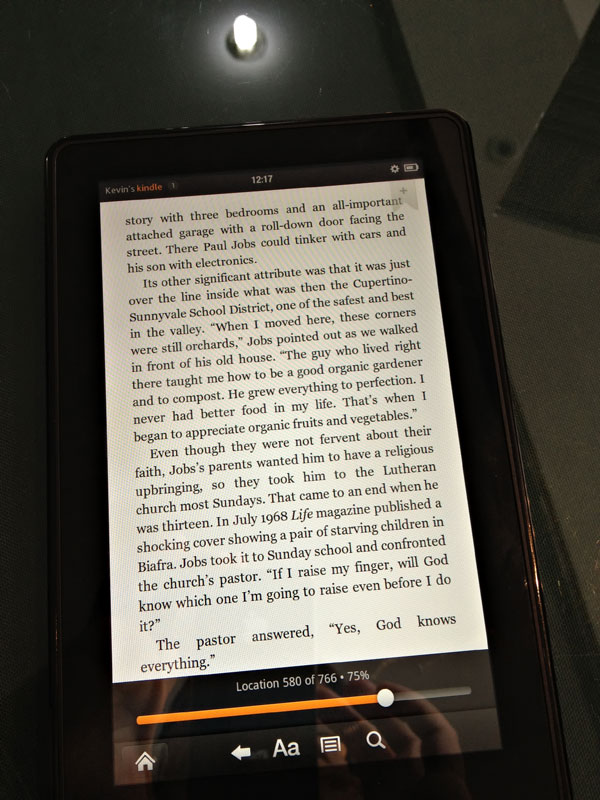
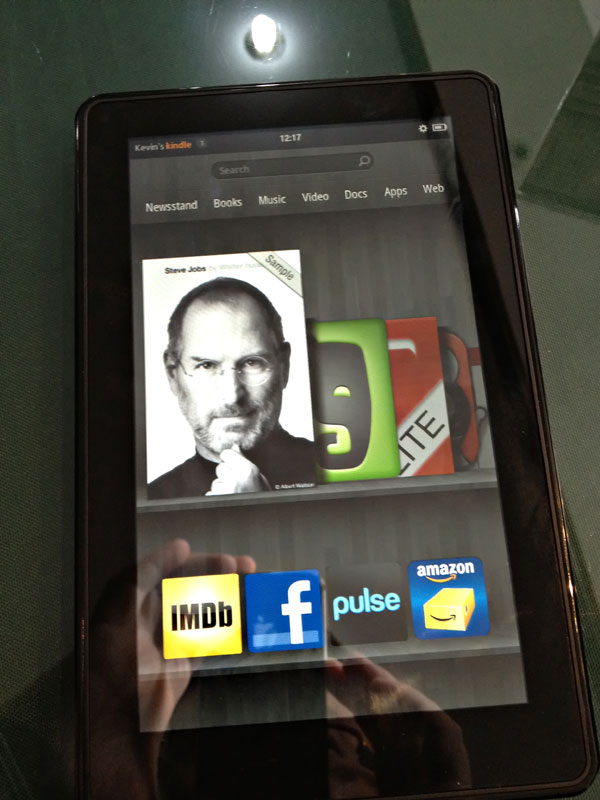
    Kevin, my friend and colleague, just came back from USA, bringing a Kindle Fire with him. I tried it for an hour or two, and finally it confirms my earlier thought: this whole new Kindle, together with the strategy behind it, will gain its own success, and push the post-PC era, which is started by Apple, forward to a new stage.
    (More …)

     
    • Kevin 2:45 pm on December 6, 2011 Permalink

      Nice analysis.
      I tested the iPad side by side with Kindle (in Shanghai using China Telecom wireless internet connection). Here’s what I found that were advantageous to the iPad:

      1. Wifi range on the Kindle Fire were farther.
      2. Silk browser loaded content faster after repeat use of frequently visited websites (important especially in China).
      3. Silk browser loaded content with less errors. (where iPad kept giving me errors for accessing sites like venturebeat, readwriteweb, Kindle did not).
      4. Better Cloud music store than iTunes in terms of ease of use (Kindle is smart to let users upload music to cloud based on iTunes playlist).
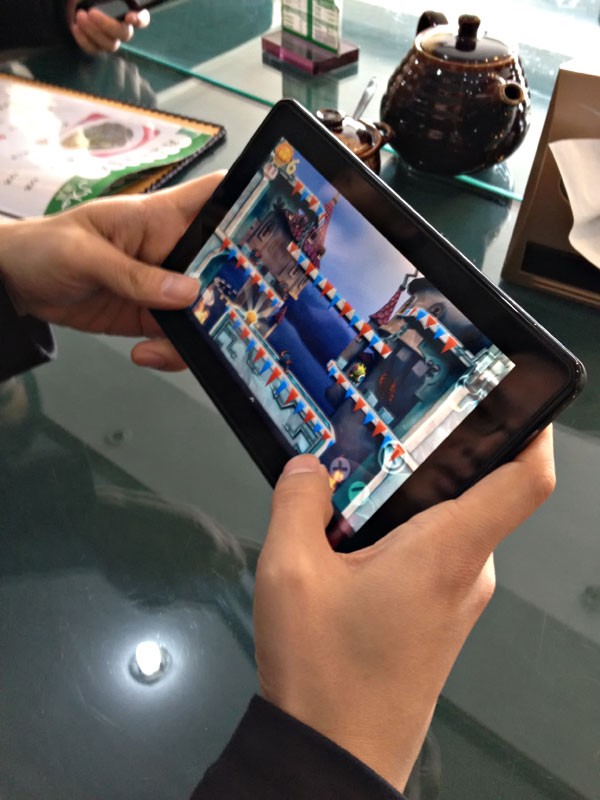
      5. Easier to hold than iPad – lighter and games can play like the PSP (as in the case for Muffin Knight).
      6. Amazon mp3 store has a lot of sales such as the $5 albums on albums that don’t suck.
      7. Amazon app store offers free app of the day on the home screen, on apps that are actually worth buying.
      8. Amazon’s signature one-click purchase makes Android app purchase fast and secure. Even iTunes has one extra step than One-click.

      It’s disadvantages are:
      1. No VPN so I can’t access blocked sites in the U.S..
      2. No Chinese input so I can’t really answer emails in Chinese.
      3. Small apps store but reliable, now I feel secure to shop on Android (Google’s App’s market is full with spam and malware).
      4. Useless home page showing all the apps I used starting with the most recent and the list keeps growing with no way of removing them.
      5. No screen customization and lack of system configuration.
      6. A little heavier than I expected.

      At $200, I consider it a success, Amazon has successfully lured me to purchase more at Amazon.com. It’s definitely a good and necessary business strategy. As an electronic gadget consumer, I value choice and competition.

    • Neo 2:53 pm on December 6, 2011 Permalink

      @kevin, thanks buddy for this very valuable info.

      I’ve read this: http://www.useit.com/alertbox/kindle-fire-usability.html
      Also provides some interesting point of view.

  • Neo 6:07 pm on October 19, 2011 Permalink | Reply  

    USA Tour 2011 Autumn 

    今年因为宣传和招聘的工作,又去了一次美国西岸(Berkeley、Silicon Valley 和 Seattle)。去年发了一组我用 iPhone 4 拍摄的照片,对于室外光线良好场景的效果还是不错的,这次带了我今年新买的富士 X100 ,部分照片发到了推他:

    San Francisco and Misc

    Stanford Campus

    Google, Mountain View

    Muir Wood and San Francisco

    Microsoft, Redmond

    另外还有个幸运的偶然收获,在西雅图住的酒店撞到到附近年轻人的 Cosplay 周末大趴,这部分照片发到了 AcFun 上(这里)。

    p.s. 随着 iPhone 4S 进一步提升相机质量,可以说一般性的卡片机比起 iPhone 这类高端手机真是没啥存在意义了(别忘了 iPhone 上还有数百种照片增强、分享应用),那么啥时候高端手机会开始威胁到高端数码相机呢?目前看来还是有挺大的距离,对于高对比度的或者较暗的场景,类似 X100 这样装备 CPS-C 幅面感光器材的相机还是能够带来 iPhone 目前无法企及的效果;即使是明亮场景下,由于 X100 的 sensor 实在好太多,所以在细节、色彩还原等方面也还是具有显著优势的;另外 X100 那颗镜头恐怕也是手机暂时没法接近的,细节、形变控制、bokeh 这些都是。当然 iPhone 的轻便和网络/应用能力是任何相机没法比拟的,所以也还是要看具体需求,我个人还是很期待有个相机能出个和 iPhone 的连接器就好了,这样我就可以随时把拍好的照片传给手机处理,话说相机制造商和汽车制造商都是这个时代不思进取的反面典型啊!

     
  • Neo 6:41 pm on August 5, 2011 Permalink | Reply  

    The Evolution 

    几天前网上瞟到一个网易公开课,是 TED 的一篇,叫「人会退化成半机器人吗」,忍不住发了条吐槽推说:难道不应该是「进化成半机器人」么…… 和布布(@GossipSama)等交流了几句,并在霍炬(@virushuo)的煽动下,决定写个稍长的东西来说说这个我一直很感兴趣的话题:人的进化以及生化机械人(cyborg)。

    (More …)

     
  • Neo 11:48 pm on April 30, 2011 Permalink | Reply  

    FinePix X100: Samples Analysed 

    这两天晚上都在整理 X100 入手之后拍的样片,花了点时间做了个简单的站来展现这些样片以及部分 100% 尺寸 crop 的局部细节,最后成果在这里:Photo Index | Neo’s Vision,一些简单说明如下:

    • 所有照片都只用 Camera RAW 进行处理,曝光和白平衡基本取缺省,没有进行任何锐化、降噪等后期处理(正常情况是要的)。
    • 每张照片包含一个缩小到 640×425 的 JPEG 图片和若干局部 100% crop 出来的 PNG 图片,鼠标移动到照片上会出现可点击的区域,点击即可查看该区域的原始尺寸版本。
    • 这只是为了从某种程度检查 X100 的硬件,真正的摄影并不在于此;另外数码摄影后期处理其实是个既有趣又重要的部分,相当于胶片摄影中的暗房技术,不可轻视,有兴趣可以参考我以前写的「数码摄影流程」。
     
    • Chen 9:34 am on May 1, 2011 Permalink

      室外的片显得有些黯淡 是因为天气?雾气?

    • Neo 10:43 am on May 1, 2011 Permalink

      @Chen 是因为天不够蓝吧,当然要调整的看上去明媚一些也不是不行,只是没这么干。。。

    • Chen 8:15 pm on May 1, 2011 Permalink

      即便是本色片也稍显黯淡了 地面几乎看不到影子 阴霾天的感觉 不知X100的包容度如何,在画面中明暗对比强烈时细节体现的效果会怎样

  • Neo 4:27 pm on April 18, 2011 Permalink | Reply  

    Finepix X100: Pros and Cons 

    拿到 X100 也有两周多了,虽然实际拍摄并不多,但对相机本身的操控、特色和毛病还是基本清楚了,这里把已知的细节说明一下,希望对感兴趣但还没入手的朋友有用。

    (More …)

     
    • Chen Luo 8:05 pm on April 18, 2011 Permalink

      奢侈啊奢侈,旁轴机身果然小巧 ~

  • Neo 2:15 pm on April 10, 2011 Permalink | Reply  

    Jail-broken 4r2 

    UPDATED 2011 年 05 月 06 日更新:修改部分文字,并增加两个小工具。

    UPDATED 根据 2010 年 10 月 25 日 blog 更新而成,标记 UPDATE 以及用注销线划去的这次更新的改变,其他是原文。

    (More …)

     
    • Sunny 7:25 pm on October 24, 2010 Permalink

      领导的截图似乎告诉我说QQ也有笔划输入法耶

    • Neo 10:05 am on October 25, 2010 Permalink

      有啊,拼音(字母和T9)、英文(字母和T9)、笔画、手写,一共6种输入法——没有五笔,反正我也不会 >_<

      另外,目前几种输入法都有些小问题,时不时导致应用退出,所以其实眼下最好的选择还是缺省拼音。

    • ZhouGang @ wh 4:24 pm on November 27, 2010 Permalink

      You can add another source created by conglinlang to Cydia : http://apt.178.com
      so you can download the cracked MyWi 4.9.10 for iPhone4

    • moya 1:33 pm on December 8, 2010 Permalink

      嗨!好久没来你这了,上次还是因为D3球界面来请教。
      如今唯一的游戏乐趣就是拿着iphone4拍个狗狗照片之类…….

    • Neo 12:25 pm on December 9, 2010 Permalink

      To moya: Hi,CTM开了,估计我又要花点时间玩玩了。。。

    • 龍8 11:59 pm on February 28, 2011 Permalink

      好久没来了,偶刚忙完,。话说我也准备越狱了!!

    • Laimi 3:42 pm on August 27, 2011 Permalink

      原来你心情不好的时候会找蛋疼的事情来干么……【于是你iPad是在这种前提下越的狱么!】

    • Neo 1:38 pm on September 2, 2011 Permalink

      @Laimi 是啊,心情不好就做点蛋疼的事儿;俺滴 iPad 从来没有越狱过,iPhone 目前也没,嗯。

  • Neo 3:12 pm on April 7, 2011 Permalink | Reply  

    Finepix X100 

    历尽艰辛,带着东边岛国的辐射余热,终于到手了。。。

    (More …)

     
    • Jon.B 5:48 pm on April 7, 2011 Permalink

      …….可恶的米人

  • Neo 11:35 pm on January 4, 2011 Permalink | Reply  

    iPhone 4 Apps S2 

    距离上次分享我的 iPhone 应用已经3个多月了,现在正式推出第二季,其实变化不大,但还是更新下,同时换个介绍方式,尽量我也省事读者也舒服。简单说,就是每页、每个 Folder 都展开截图,然后每个应用简要介绍(内置应用略过),App Store 链接就不放了,因为我的朋友里美国店、日本店、香港店、大陆店用户都有,大家自己用应用名字去搜索好了。照例,所有图片点击可以放大。

    (More …)

     
    • moya 12:07 pm on March 2, 2011 Permalink

      4.21越狱确实很无聊,除了多几个铃声没什么太多变化。对了,介绍两个游戏给你玩,Cat Physics和Lazors 个人感觉还不错,需要东东脑筋,当然有不少也是不怎么需要动脑的。

c
compose new post
j
next post/next comment
k
previous post/previous comment
r
reply
e
edit
o
show/hide comments
t
go to top
l
go to login
h
show/hide help
shift + esc
cancel